

Here is how you can upload the scanned documents in Kerala PSC Thulasi website. Many of you may be facing problem while uploading the scanned documents in Thulasi website at the time of One Time Registration.
How to Upload Scanned Documents in Kerala PSC Thulasi Website
Why I’m getting the error “You are not authorized to upload documents“?
If you are trying to upload the scanned documents of the your education qualification during the ONE TIME REGISTRATION you will get the error as shown in the following screenshot.
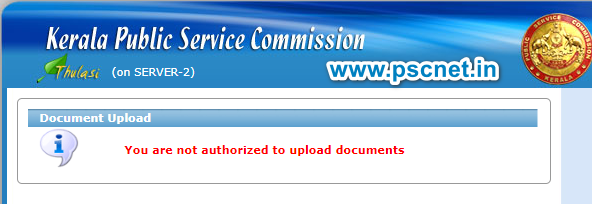
You are not authorized to upload documents
You are getting such type of error message because, PSC Thulasi website allows to upload scanned copy of your educational qualification only after you are in any of the Short List or Ranked List
For those who are in any of the Short List or Rankled List can easily upload the documents.
Discussion
Ask a doubt or share a tip.
No comments yet — start the discussion.